
Free Chrome extension · No account required by the extension
Keep Google Flights and Hotels in your preferred currency.
Traveling abroad and seeing ringgit, euros or yen instead of dollars? Force USD reapplies your preferred currency on supported pages, with USD as the default.
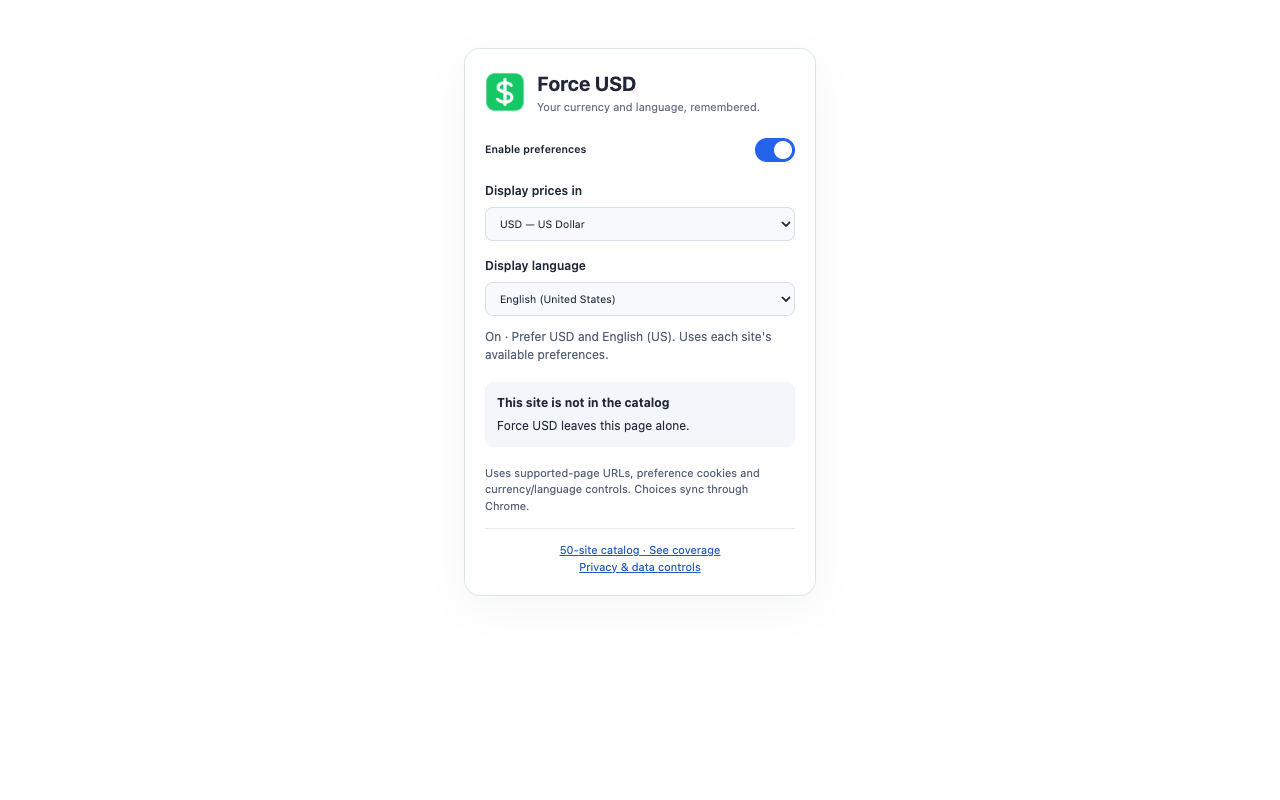
Choose another currency whenever you like. You can also prefer English (US), where the website offers it, or leave language unchanged.
Chrome Web Store release is being prepared. The extension has not yet been published. This page will link to the official listing when it is available.
One preference, fewer repeat changes
- Remembers currency and language choices using Chrome sync.
- Applies native preferences on initial page loads and navigation within supported sites.
- Provides one ON/OFF switch and controls to withdraw consent and clear extension data.
Which websites does it support?
Direct currency rules include Google Flights, Google Hotels, Booking.com and Airbnb, alongside selected shopping and travel services. Regional Google Travel domains such as google.fr and google.com.my are included.
The in-extension catalog lists 50 services: 17 have automatic URL or cookie currency rules, 32 depend on available native selectors, and one is manual. This is a coverage catalog, not a claim that every site has been verified. Website restrictions, regional storefronts and account settings can affect results.
Why Google Hotels needs extra handling
During testing, some Google Hotels pages still showed ringgit even with curr=USD in the URL. Their encoded search state also held a currency preference. Force USD handles this state as well as the ordinary parameter.
How to keep Google Flights and Google Hotels showing USD
Does it convert prices or change checkout currency?
No. Force USD asks websites to use their own currency settings. It does not calculate exchange rates or replace price labels. Display currency can differ from the currency charged at checkout. It does not change your shipping country or promise cheaper fares.
Does it translate every website into US English?
No. It selects native English preferences where supported. If US English is unavailable, a site may offer another English variant. There is no automatic translation engine.
What data does it use?
After you agree to the disclosure, the extension uses tab URLs, named preference cookies and native currency/language controls to apply your choices. There is no developer analytics or collection server. Read the full privacy policy.
Support
Questions or a currency that will not stick? Contact nathan@coursenavigator.com. Include the website and browser version; remove personal details from any example URL.